
Free on iPhone and Android
Landscape Design App for iPhone and Android
Snap one photo of your backyard, front yard, patio or pool and see a photorealistic redesign in seconds, with plants that fit your climate.
- 40+ styles
- Plants for your climate
- Pool, patio, garden and more


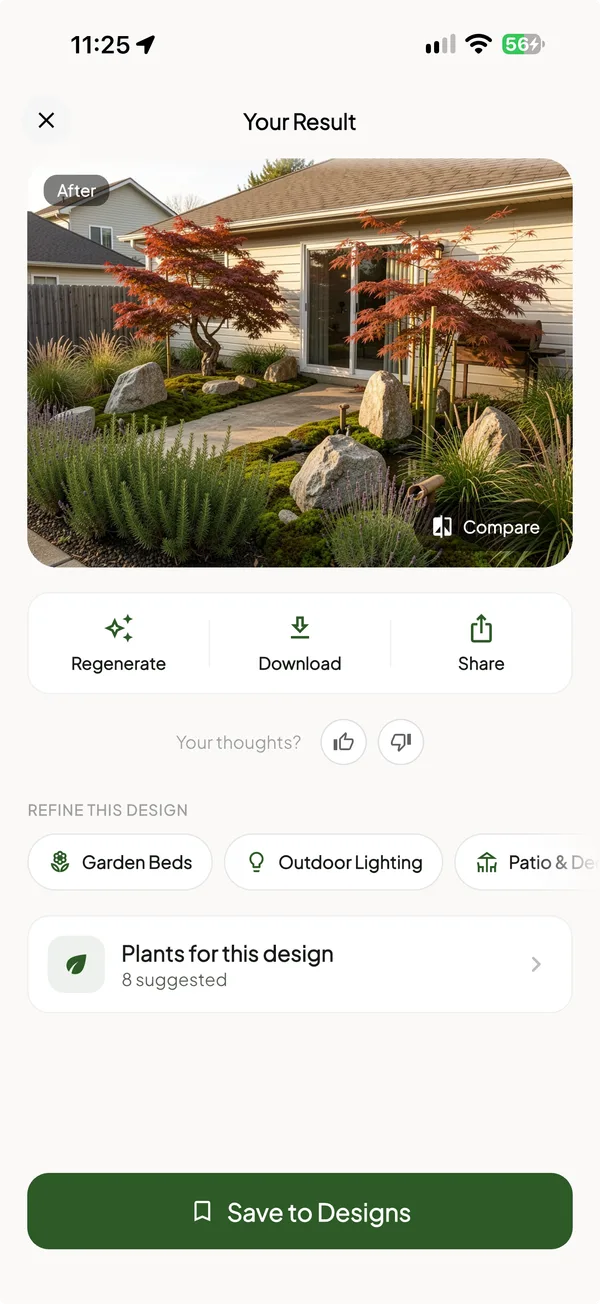
Redesign your yard in seconds
Upload one photo and the landscape design app returns a photorealistic redesign of the same yard in seconds, here a Japanese maple garden with boulders and lavender. Tap Compare to check it against your photo, then regenerate, download or share it.
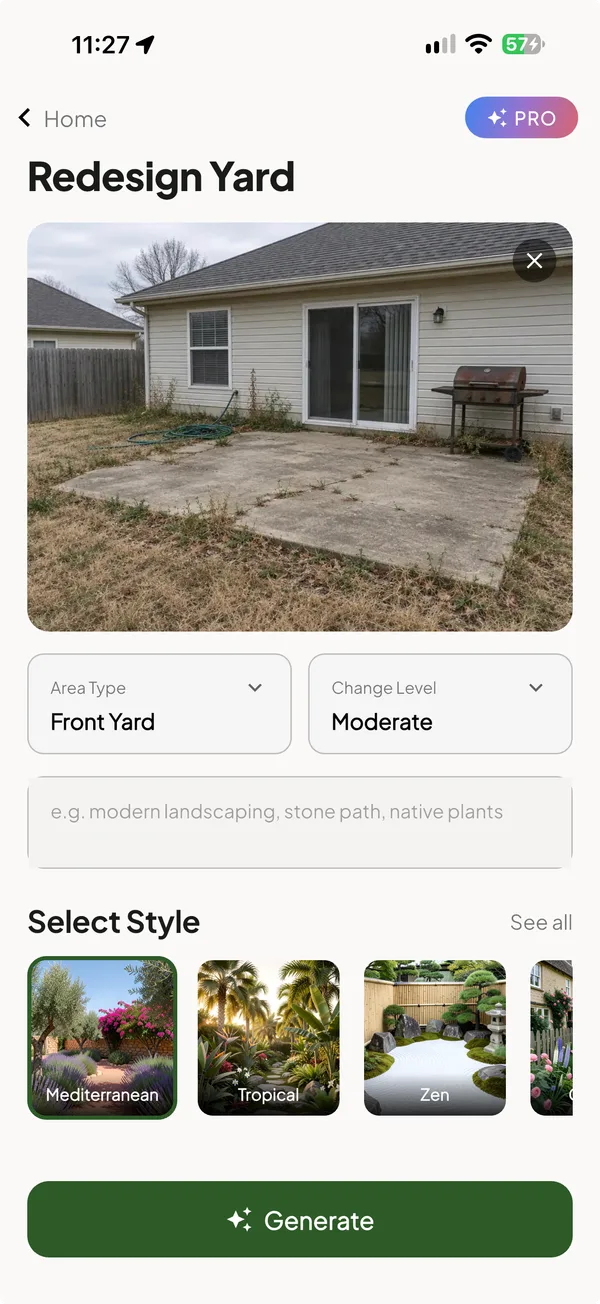
Start with one photo of your yard
Add a photo of the yard, choose the area type and how much to change, and type what you have in mind, such as stone paths and native plants. The landscaping app keeps your house, fence and patio in place.
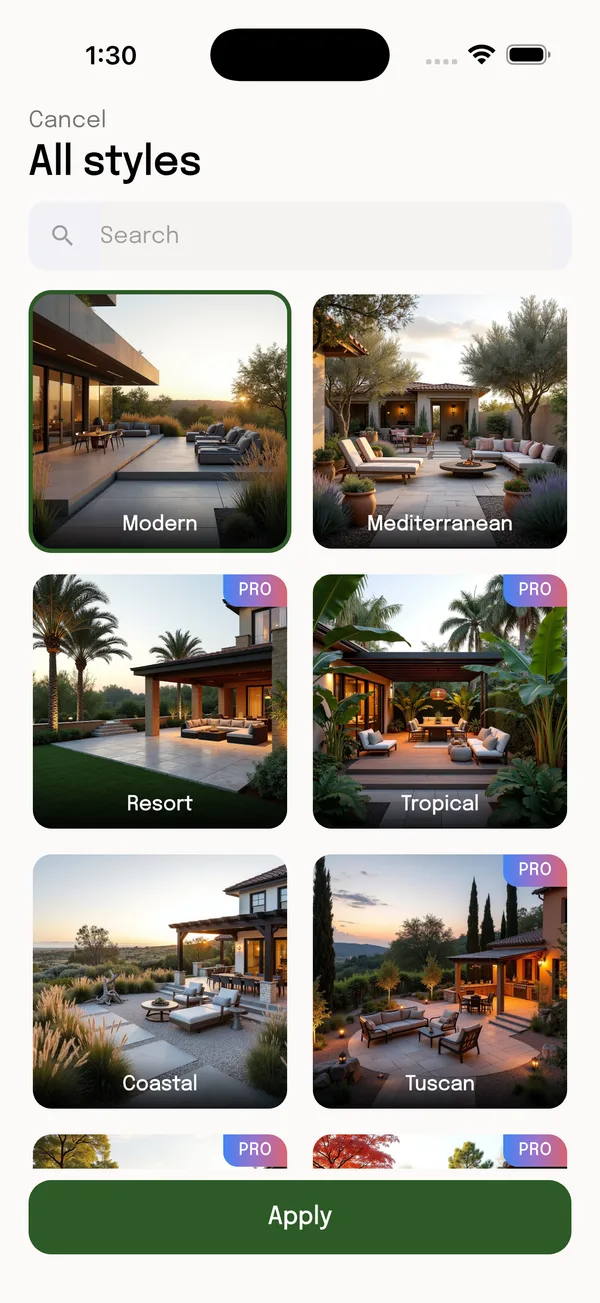
40+ landscape styles to try
Open All styles to browse Modern, Mediterranean, Resort, Tropical, Coastal, Tuscan and more, or search for one. Pick a style and apply it to your photo; some styles are Pro.
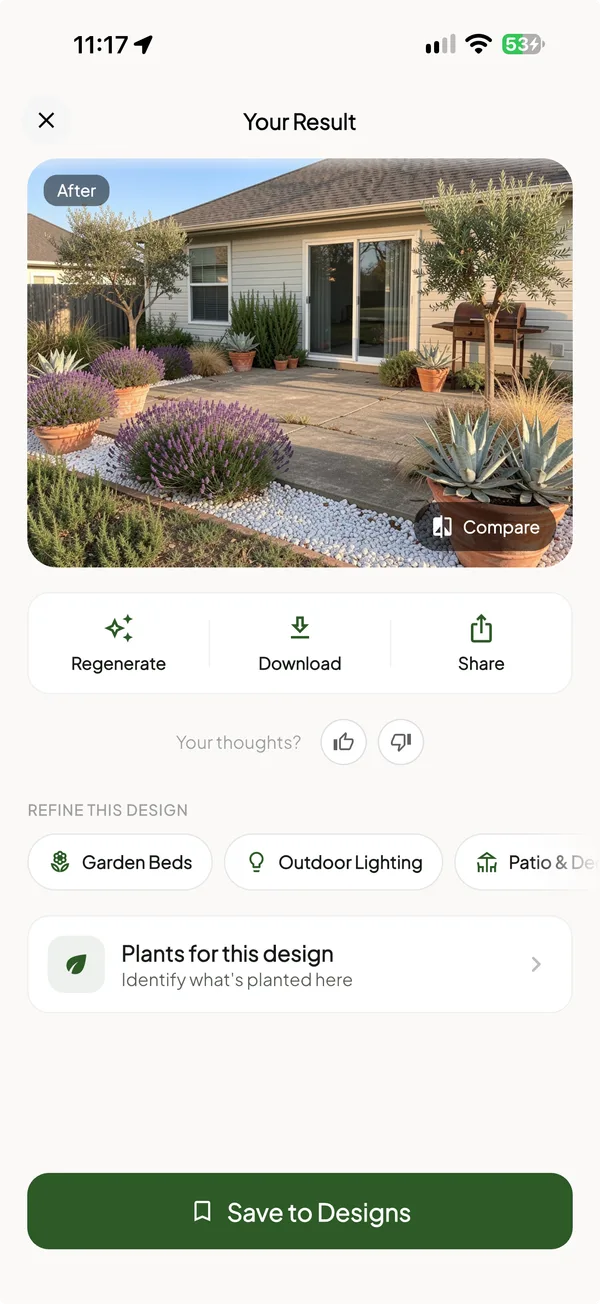
Refine the design with one tap
Not quite there? Add garden beds, outdoor lighting or a patio to the result from Refine this design, and save the ones you like to My Designs.
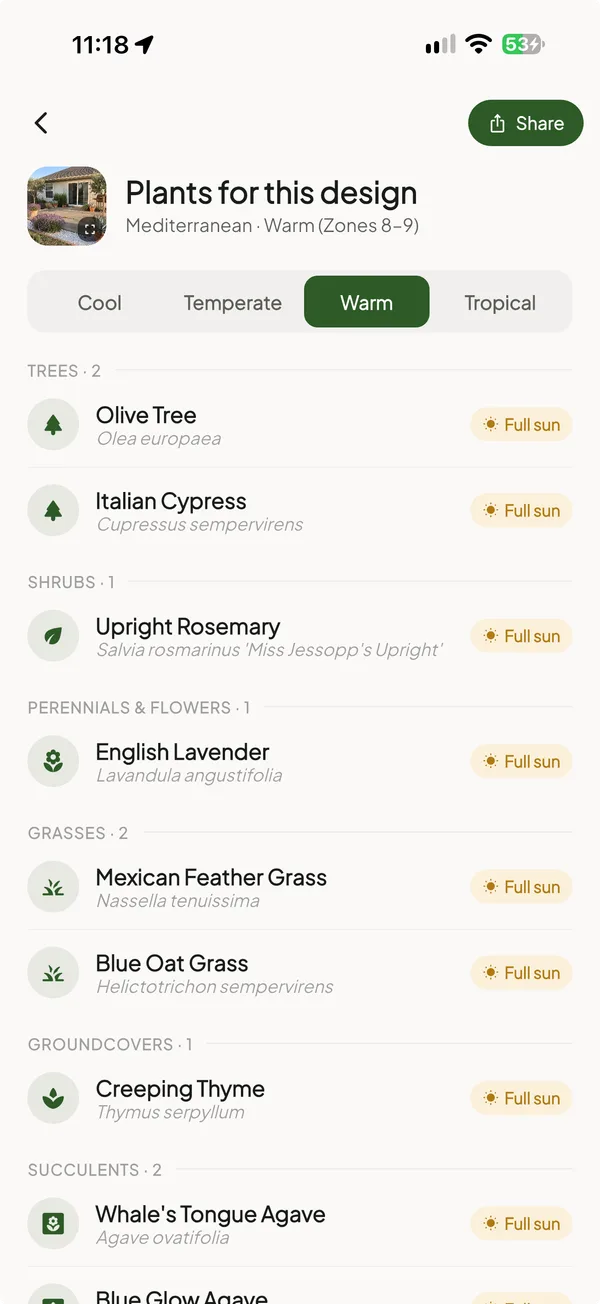
Plants that fit your climate
Plants for this design lists what is in the picture: trees, shrubs, flowers, grasses, groundcovers and succulents, with sun needs. Switch between cool, temperate, warm and tropical climates.
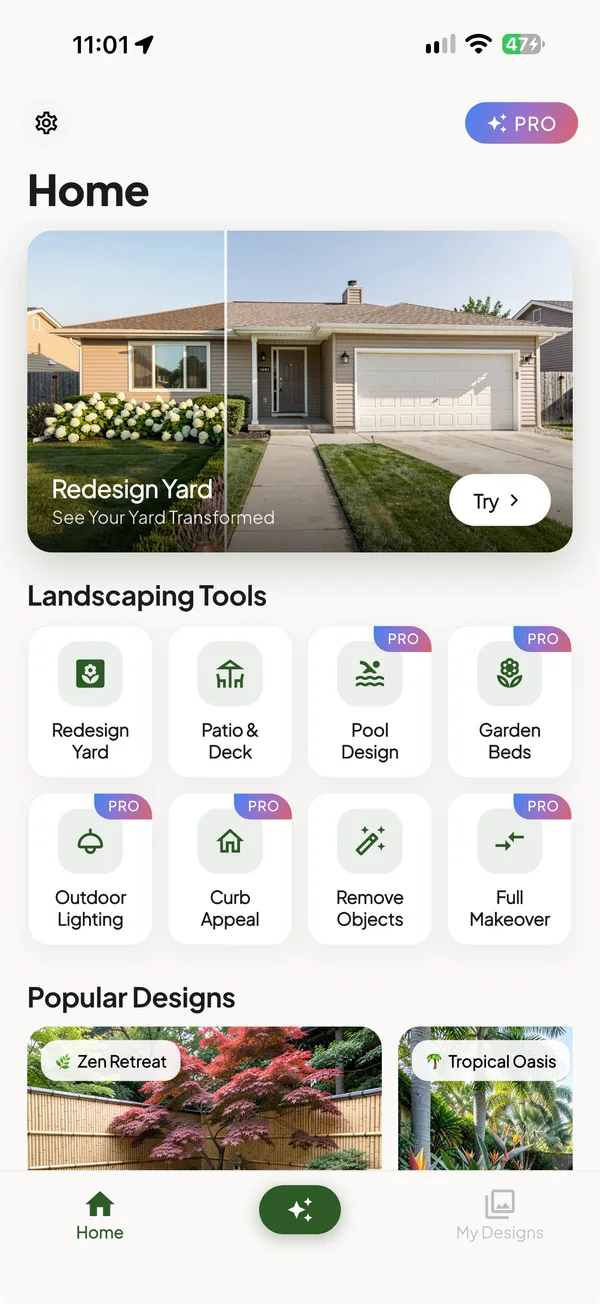
Pool, patio, lighting and curb appeal
The AI landscaping app goes beyond lawns. Landscaping Tools cover yards, patio and deck, pools, garden beds, outdoor lighting, curb appeal, object removal and full makeovers.
Questions
Is the landscape design app free?
It is free to download on the App Store and Google Play. Upgrades are in-app purchases.
Does it work on iPhone and Android?
Yes. It needs iOS 15 or later on iPhone and installs from Google Play on Android. On a computer, use the web version in your browser.
Does the app suggest plants?
Yes. Plants for this design lists the trees, shrubs, flowers and grasses in the picture, with sun needs, for cool, temperate, warm or tropical climates.
Does it make measured plans?
No. It makes photorealistic concept images of your own yard, not drawings to scale.
Are app purchases shared with the web version?
No. The phone app and the web version are bought separately.
AI landscape design in your browser → · Compare the best landscape design apps →
Download the landscape design app
Free on iPhone and Android. Snap a photo of your yard and see what it could be.
Designs are AI concept images of your own photo, not measured plans; take the image to a landscaper to build it.