
AI Landscape Design Solutions
One AI tool, three ways to use it. Each one starts from a photo of your yard and gives you a design image of the same space. Pick the one that fits how you plan.
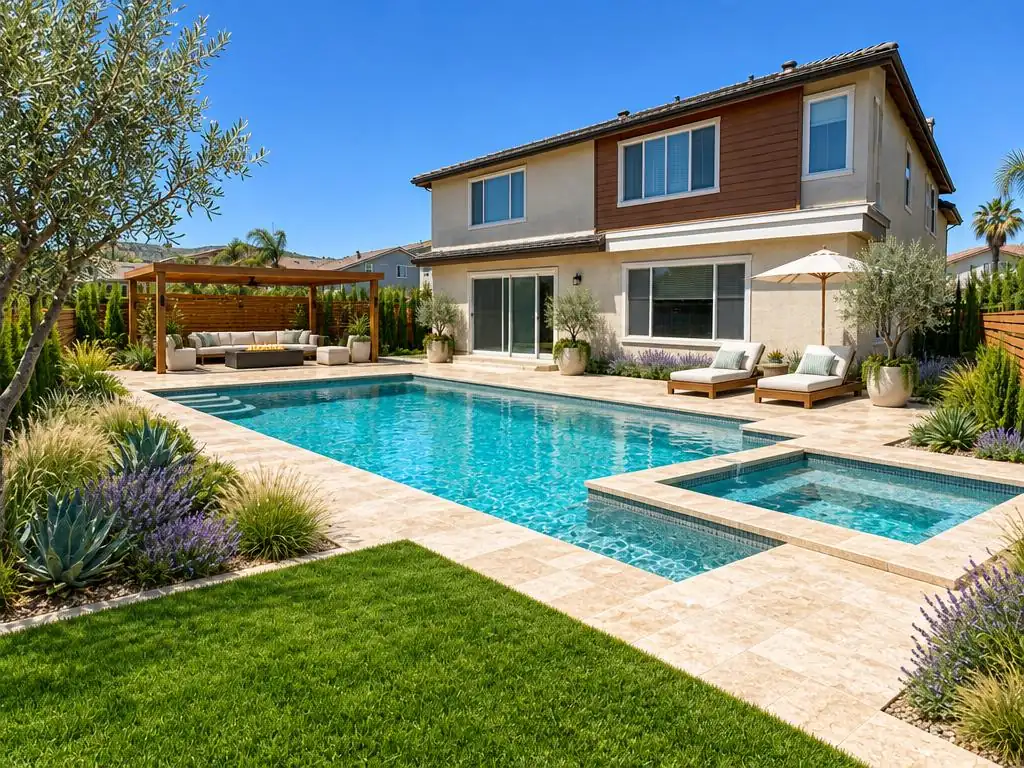
For homeowners on a phone
Landscape design app
Take a photo in the yard and design it on the spot. Runs in the browser, saves every design to Projects.
Open landscape design app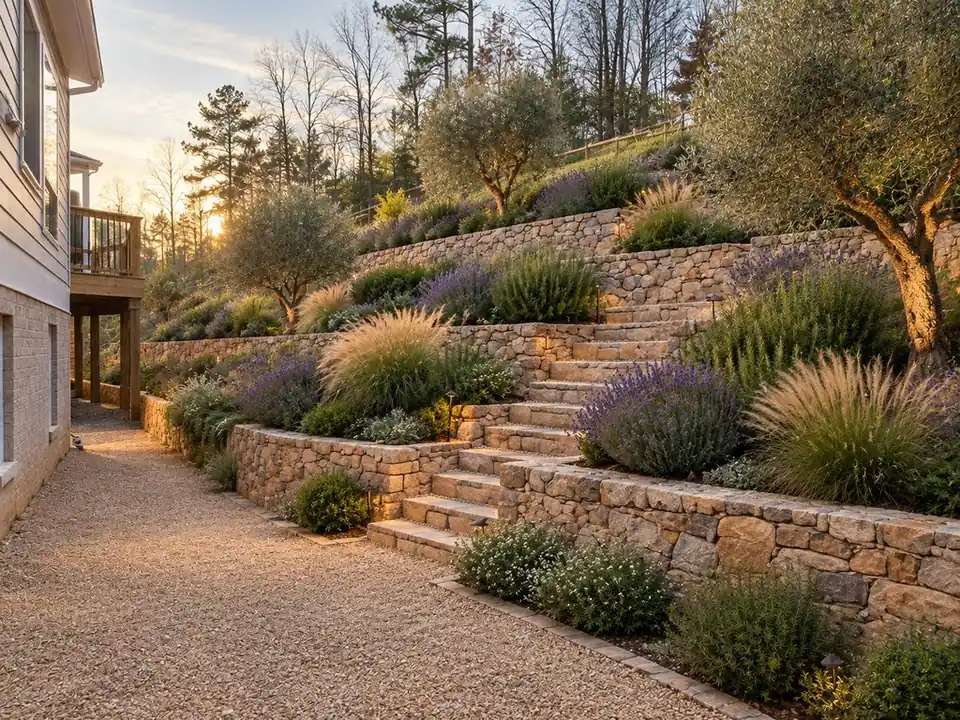
For planning before drawings
Landscaping ideas software
Explore ideas from a photo before paying for plans. Exports a JPG image; it is not CAD.
Open landscaping ideas software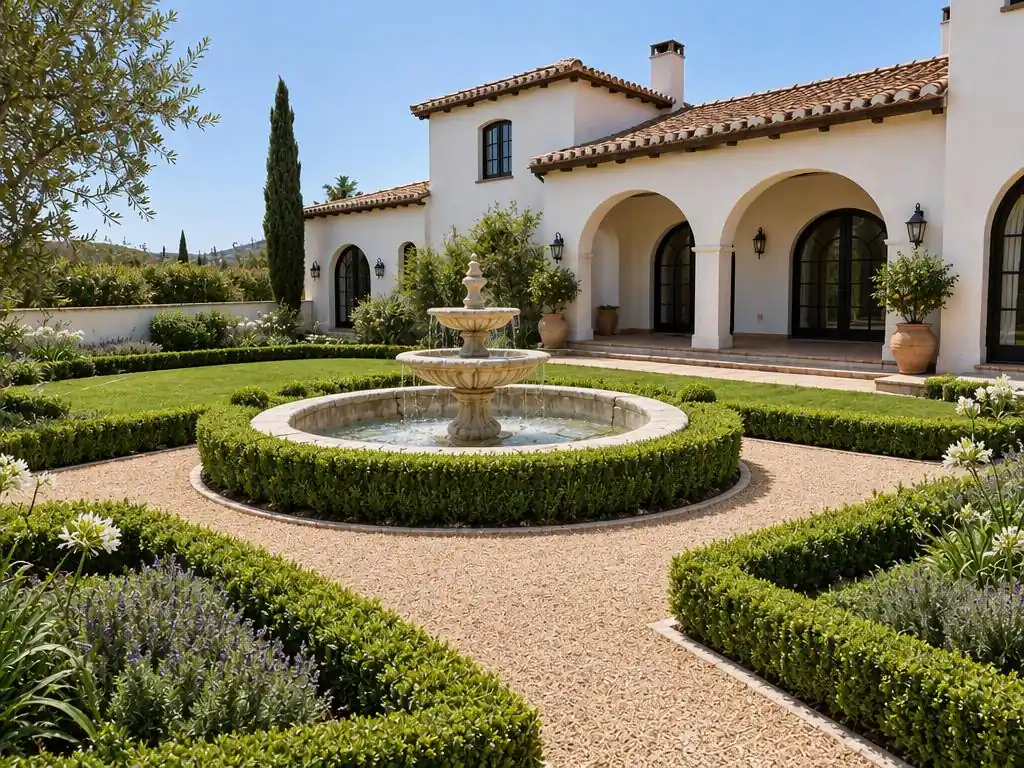
For comparing looks
Landscape rendering and visualizer
Render one photo in several styles and compare them with a slider. 2D renders, not 3D.
Open landscape rendering and visualizer
Which one should I use?
They all use the same design engine and the same credits. Start with the app if you are standing in the yard with a phone, the software page if you want to know what it can and can't export, or the visualizer if you want to compare styles. For a single space, go straight to a tool such as AI backyard design or AI garden design.