
Best AI for Landscape Design in 2026
By AI Landscape Design team · Prices and features checked October 7, 2026
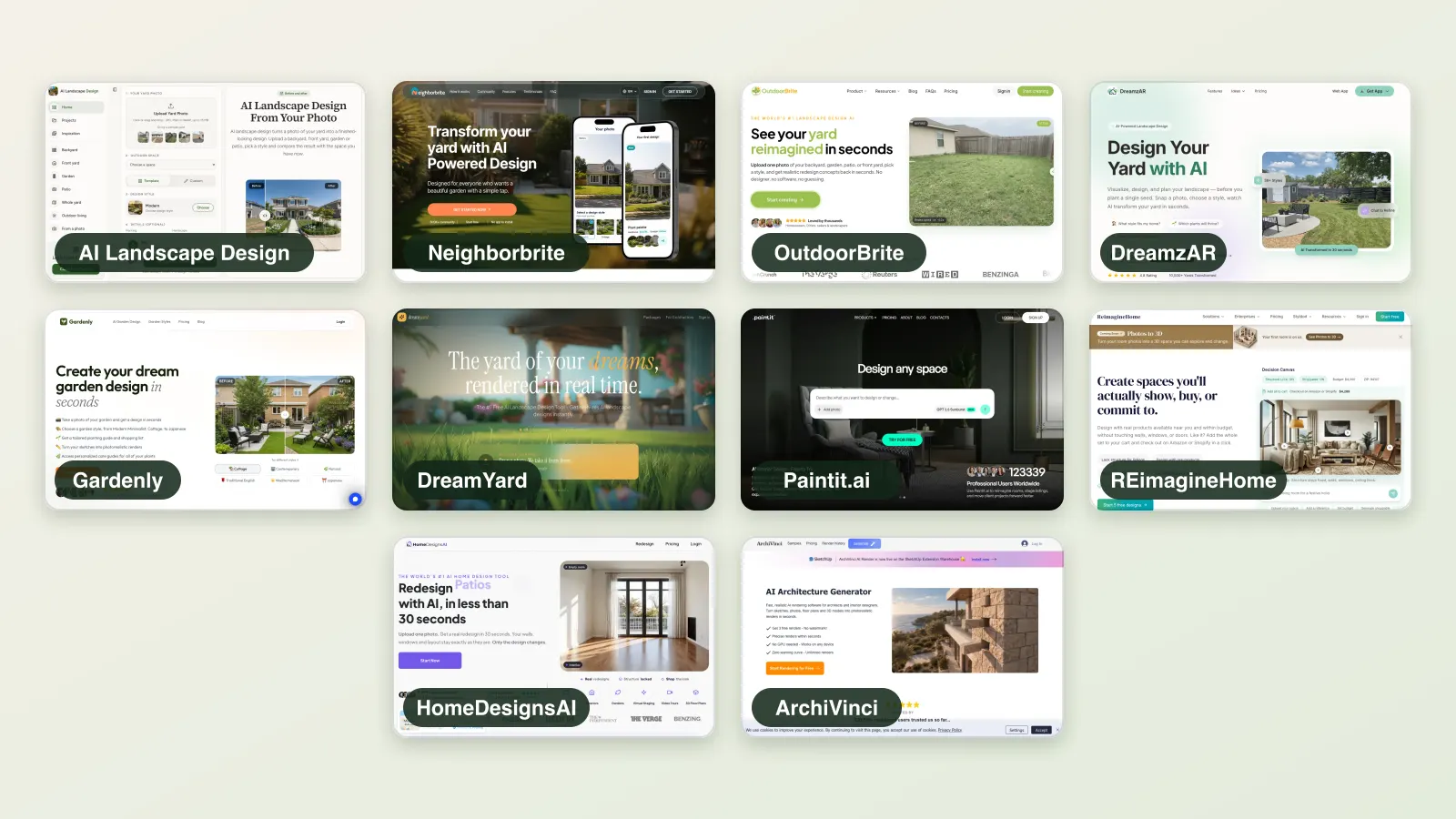
The best AI for landscape design takes a photo of your yard and returns a believable redesign of the same space. We compared ten AI landscape generators on free limits, price, platforms, editing tools, plant lists and who each one is built for, from homeowner tools to architect suites.
Short answer: AI Landscape Design is our top pick for homeowners: a realistic redesign of your own yard in seconds, credits that never expire, and apps for iPhone and Android. For the most styles and 4K client output: OutdoorBrite (paid only). For AR: DreamzAR. For the cheapest subscription with a planting guide: Gardenly.
| Product | Type | Platforms | Free? | Paid price | Best for |
|---|---|---|---|---|---|
| AI Landscape DesignBest for homeowners: no subscription, credits never expire | AI photo redesign | Web, iPhone and Android apps | Limited free tier | Packs $19.99 (40 credits), $34.99 (100), $59.99 (250), never expire; Pro $49.99/month or $299/year (300 credits a month) | Seeing your own yard in a new style in seconds |
| Neighborbrite | AI photo redesign | Web, iOS, Android | Limited free tier | Business $49/month, Landscaper $149/month (website); App Store lists PRO $24.99, Business $49.99, Landscaper Suite $149 without a billing period | A free AI start plus climate-based plant lists |
| OutdoorBrite | AI photo redesign | Web | Paid only | Starter $29/month (25 redesigns), Plus $49 (100), Pro $149 (200); billed yearly $276, $468 or $1,428 (about 20% off) | Landscapers producing many client concepts |
| DreamzAR | AI redesign + AR | Web, iOS, Android | Paid only | $19.99/month or $199/year (about $16.60/month) | Placing real plants in AR after an AI concept |
| Gardenly | AI garden redesign | Web, iOS | Paid only | Starter $9/month or $54/year (20 credits/month); Pro $14/month or $84/year (100 credits/month) | A low-cost subscription with a planting guide |
| DreamYard (dreamyard.ai) | AI photo redesign | Web | Limited free tier | Paid "packages" with no published prices | A quick free batch of concepts to share and vote on |
| Paintit.ai | AI interior + exterior | Web | Limited free tier | Starter $14.99/month (500 credits), Pro $29.99/month (1,500 credits, 4K, commercial), both shown as discounted | Cheap credits for mixed interior and garden projects |
| REimagineHome | AI home + exterior editor | Web | Limited free tier | $14–$99/month range in its page title; per-plan prices were not readable on the public page | Real-estate photo touch-ups, inside and out |
| HomeDesignsAI | AI home + garden editor | Web | Limited free tier | Not shown on the public pricing page when we checked | One tool for interiors, exteriors and gardens |
| ArchiVinci | AI architecture renderer | Web | Free trial | $79/month or $549/year, unlimited renders | Architects rendering site plans and landscapes |
How we compared
- We read each product’s homepage, pricing page, FAQ and App Store listing on the check date, and took the homepage screenshots shown.
- Prices, free limits and features are quoted as published. Where a site does not publish a figure, we say so instead of guessing.
- App Store ratings are the US App Store figures shown on that date; we do not use self-reported ratings from a company’s own site.
- We did not create accounts on competitor products, so we do not show or score their output. Our own product was tested on our own photos.
- The spec for this page asks for the same photo run through every tool. We could not do that without creating competitor accounts, so we compare published features and prices only. Results on our own tool are shown on our tool pages.
1. AI Landscape Design
Best for homeowners: no subscription, credits never expire
AI photo redesign · Web, iPhone and Android apps · Limited free tier: 5 free credits on sign-up (five Basic designs or one Pro), with a logo
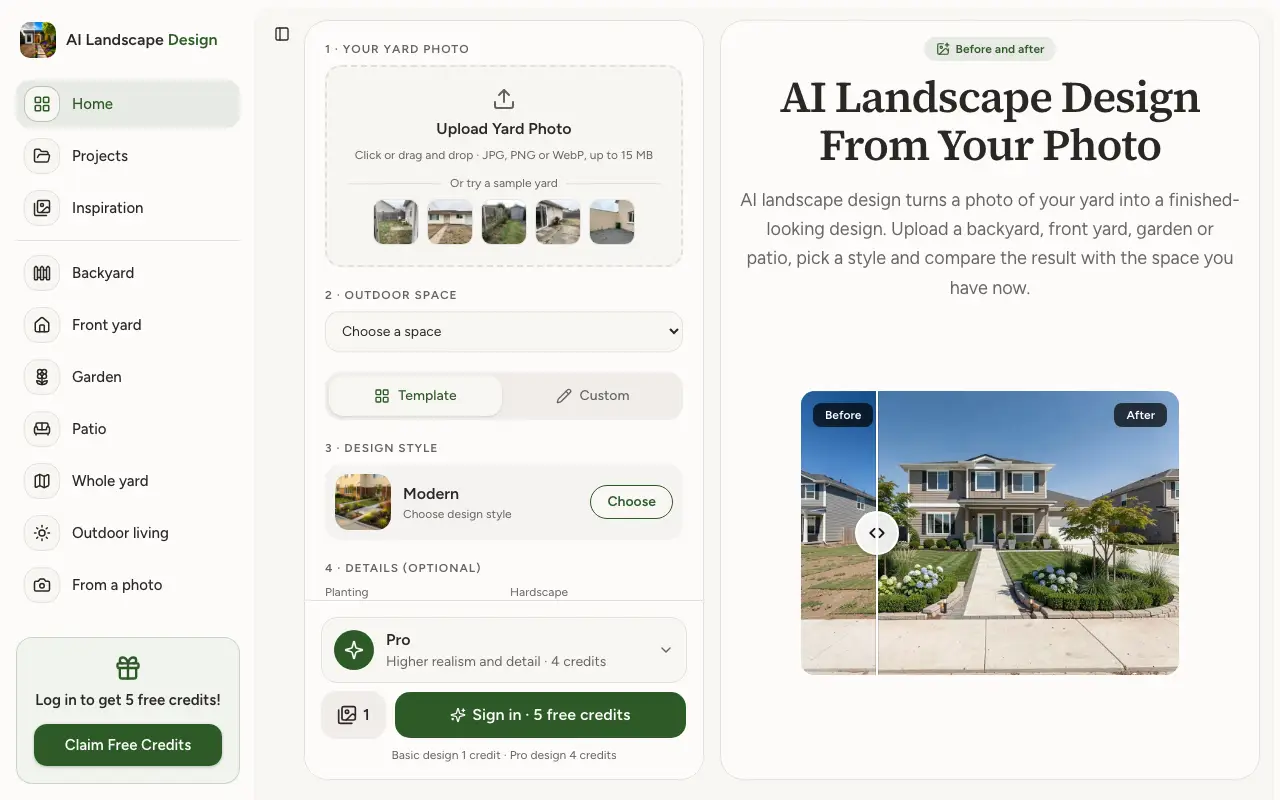
Upload a photo of a backyard, front yard, garden or patio, pick one of 18 styles or describe your own, and get a photorealistic design of the same space, compared with a before/after slider. Basic designs cost 1 credit; Pro designs cost 4 and look more realistic. Pro plans add up to 4 designs per click and commercial use.
Price: Packs $19.99 (40 credits), $34.99 (100), $59.99 (250), never expire; Pro $49.99/month or $299/year (300 credits a month)
Try AI Landscape Design freePros
- Works on your own photo; the house and boundaries stay in place
- 18 styles plus a free-text description
- Credit packs never expire; no subscription needed
- Projects keeps every design; JPG download
Cons
- Concept images only: no measurements, plans or 3D; plant lists only in the phone app
- Phone apps are bought separately from web credits
- No masking or editing of one area of the image
- An account is needed before the first design
Sources: our pricing page
2. Neighborbrite
AI photo redesign · Web, iOS, Android · Limited free tier: free plan with "limited design generations" (the number is not published)
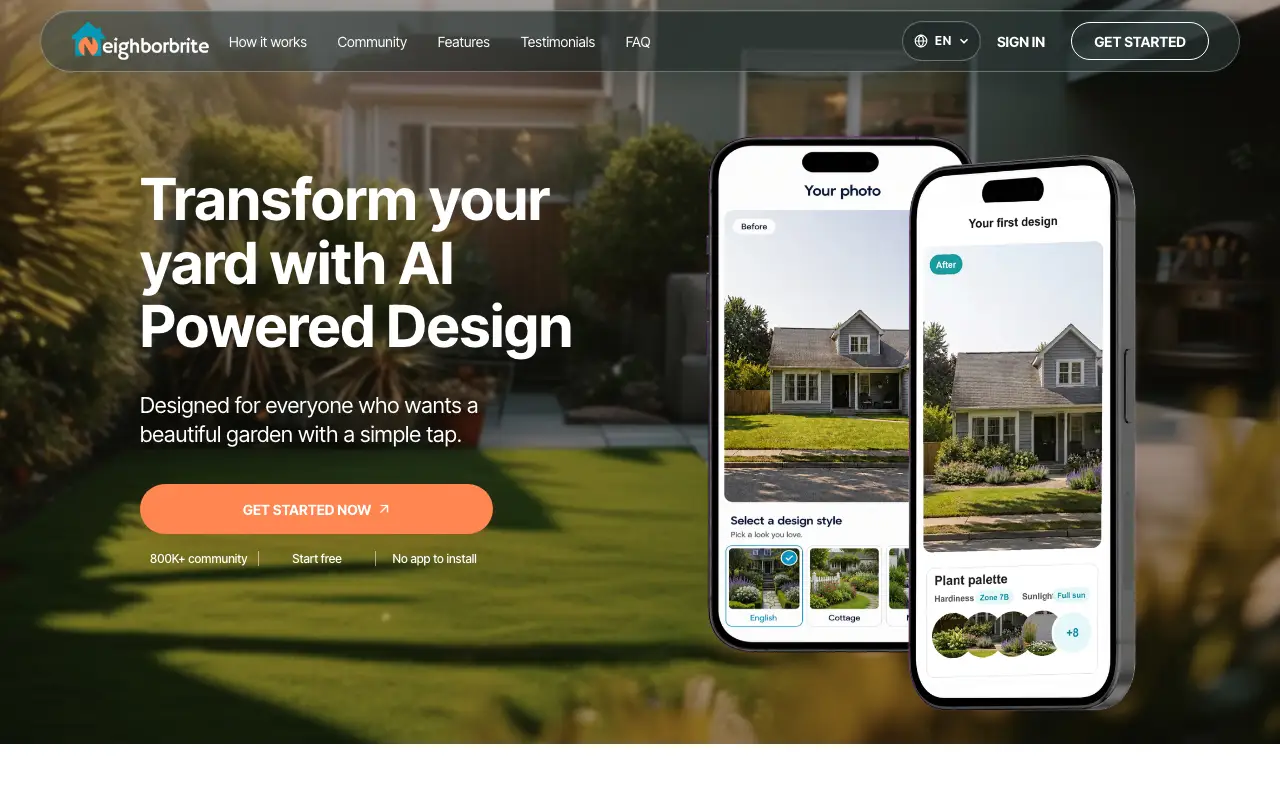
Neighborbrite turns a yard photo into AI designs in preset styles such as Cottage, Modern and Desert, then adds plant lists tailored to climate and sunlight from a library of 5,000+ plants. Pro tools include Magic Edit, adding and erasing elements and plant ID. Its human professional design service has been discontinued, according to its own page.
Price: Business $49/month, Landscaper $149/month (website); App Store lists PRO $24.99, Business $49.99, Landscaper Suite $149 without a billing period
Pros
- Free plan on web and mobile
- Plant lists matched to climate and sun; plant ordering in the app (rolling out in most US states)
- Region editing: Magic Edit, add and erase elements
- 4.8 stars from 416 ratings on the US App Store
Cons
- Free generation limit is not published
- Website and App Store prices differ, and store billing periods are not shown
- Commercial use needs the $49/month Business plan
- Professional design service is no longer offered
Sources: Homepage · Plans for landscapers · App Store
3. OutdoorBrite
AI photo redesign · Web · Paid only: "a paid product, with no free tier" (its homepage)
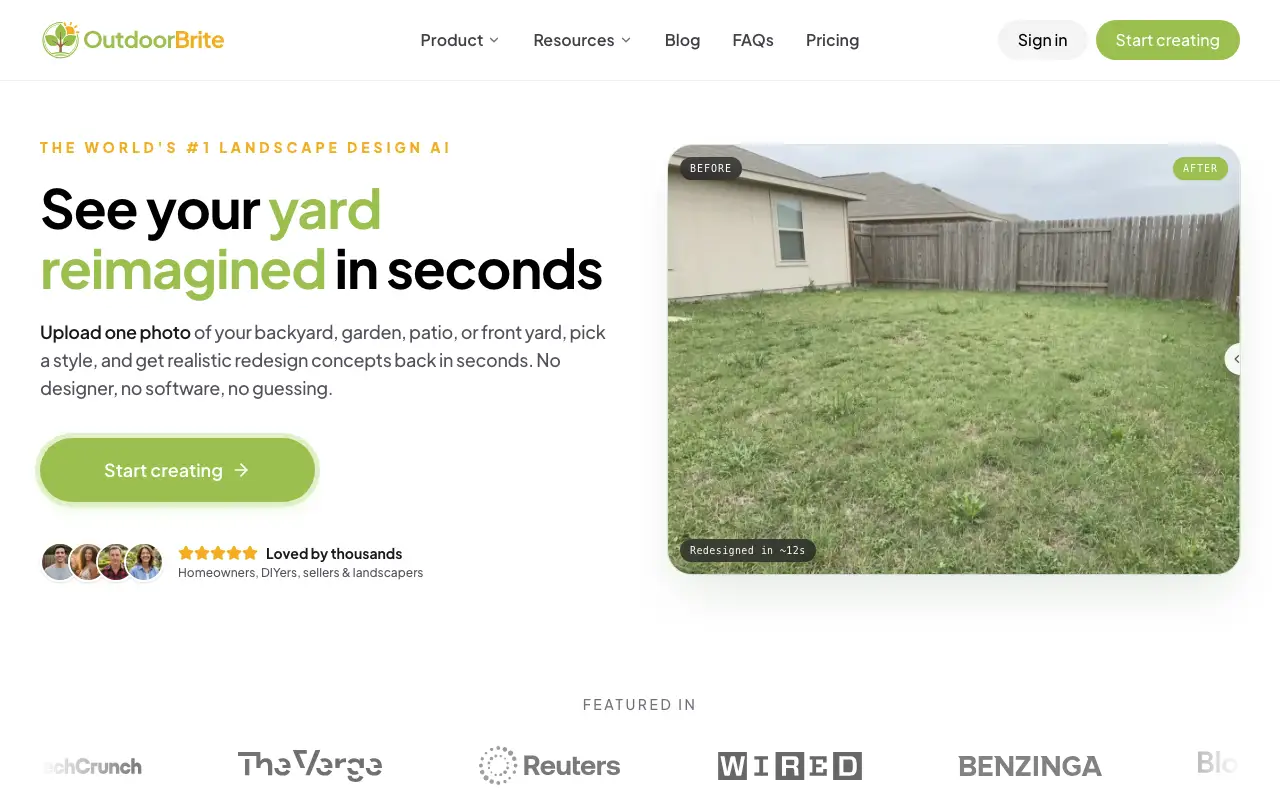
OutdoorBrite is a paid web tool with 50+ styles. Higher plans add a regional plant list per design, changes to plants, paving and layout, 2K to 4K output and commercial use. Yearly billing works out at $23, $39 or $119 a month.
Price: Starter $29/month (25 redesigns), Plus $49 (100), Pro $149 (200); billed yearly $276, $468 or $1,428 (about 20% off)
Pros
- 50+ styles
- Plant list per design with regional plants (Plus and up)
- Up to 4K output and commercial use on higher plans
Cons
- No free tier
- Starter excludes commercial use
- Highest entry price of the AI tools here ($29/month, or $276 a year)
4. DreamzAR
AI redesign + AR · Web, iOS, Android · Paid only: free to download; its site and FAQ do not clearly describe a free allowance
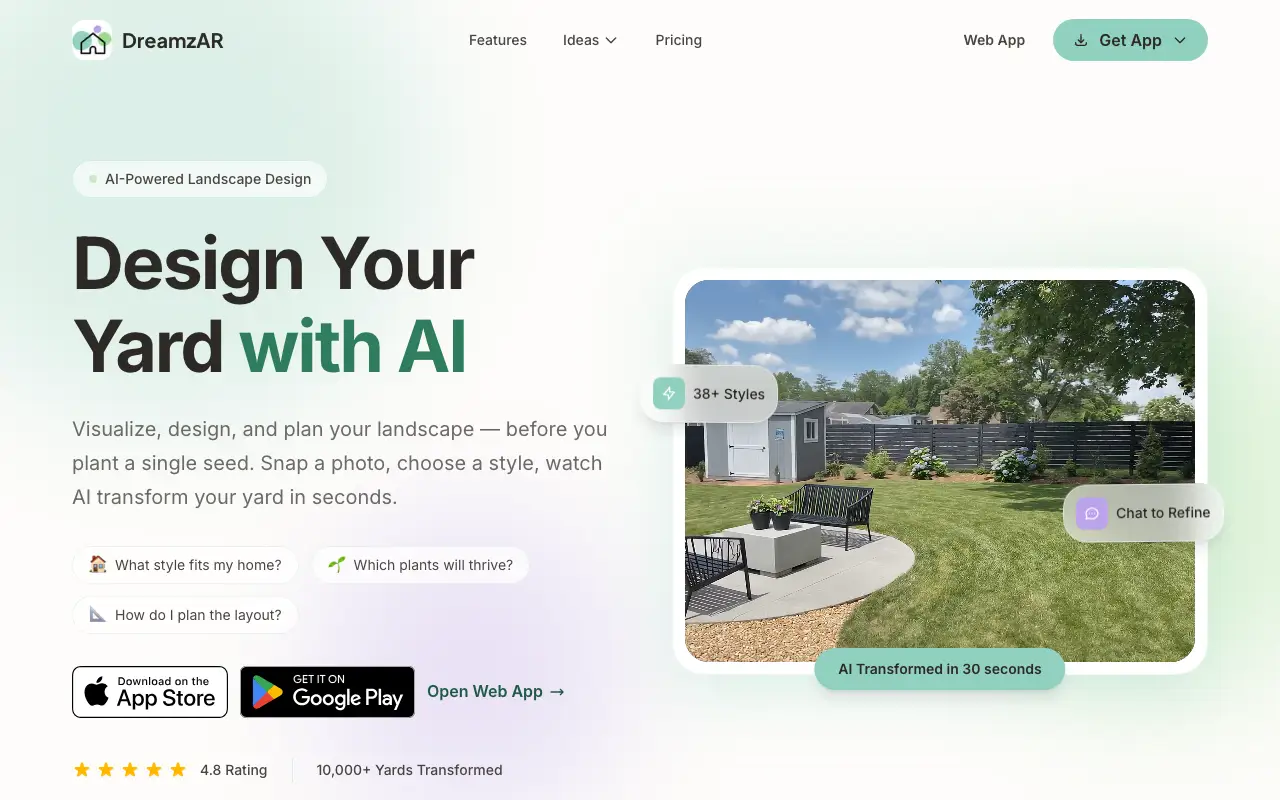
DreamzAR (by ImmEx Technologies, at dreamzar.app) combines AI redesigns of a yard photo with a 2D photo editor, a 2,000+ item plant and feature library and a 3D AR walkthrough at real scale. Designs can be refined by chat ("add more flowers near the fence"). Subscriptions bought on iOS, Android or the web only work on that platform, per its FAQ.
Price: $19.99/month or $199/year (about $16.60/month)
Pros
- AR and 3D placement of real plants
- 2,000+ plants and features to place by hand
- Chat-style refinement of a design
- Many styles (38+ on the website)
Cons
- 3.0 stars from 143 ratings on the US App Store
- Subscriptions do not carry across platforms
- No clearly documented free tier; $19.99/month to start
- Style count differs between the website (38+) and App Store (20+)
Sources: Homepage · FAQ and pricing · App Store
5. Gardenly
AI garden redesign · Web, iOS · Paid only: no free tier; 7-day money-back guarantee (up to 3 designs)
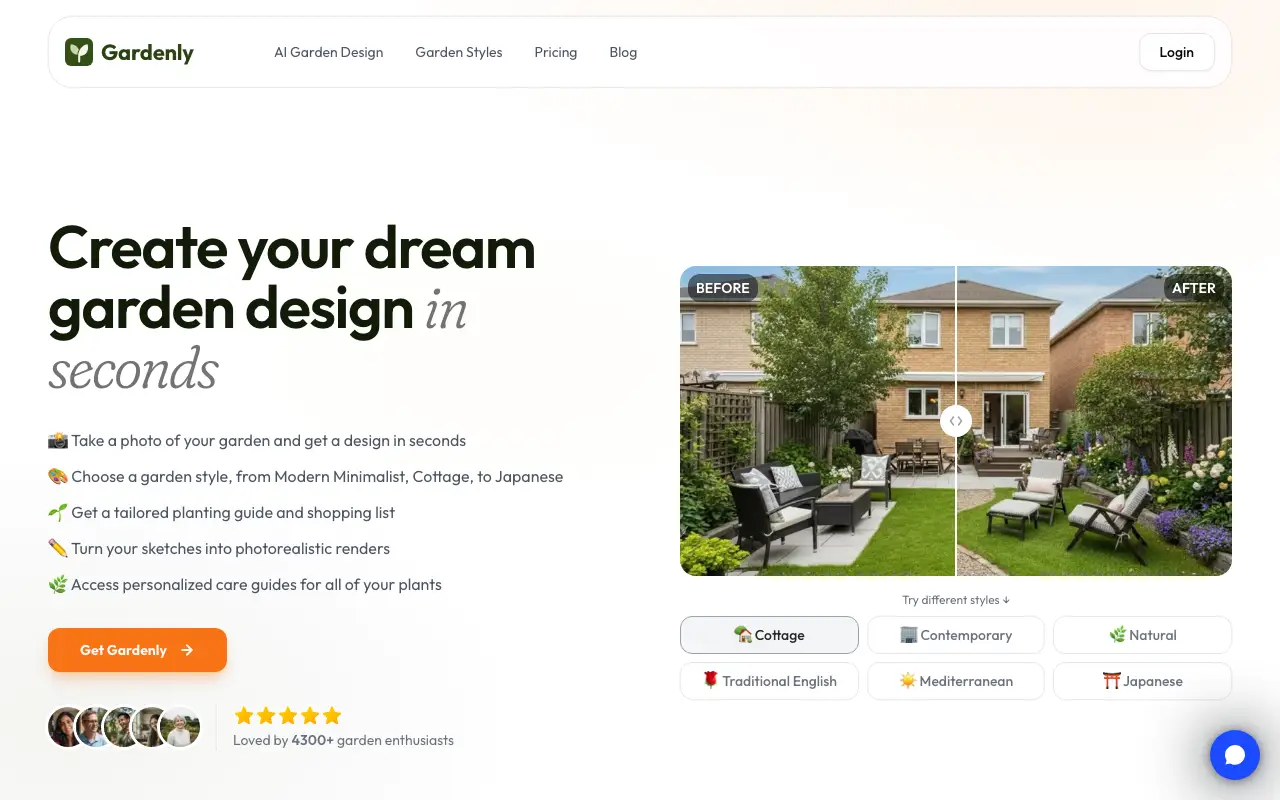
Gardenly turns a garden photo into AI designs in 27+ styles and adds a planting guide and shopping list with each design. It also makes short AI videos. It has the lowest paid entry price of the AI tools we checked.
Price: Starter $9/month or $54/year (20 credits/month); Pro $14/month or $84/year (100 credits/month)
Pros
- Cheapest paid entry we found ($4.50/month billed yearly)
- Planting guide and shopping list per design
- Web plus an iPhone app
Cons
- No free tier
- Commercial use and watermark policy not stated
- No editing of one area described
6. DreamYard (dreamyard.ai)
AI photo redesign · Web · Limited free tier: 15 free renders for new accounts
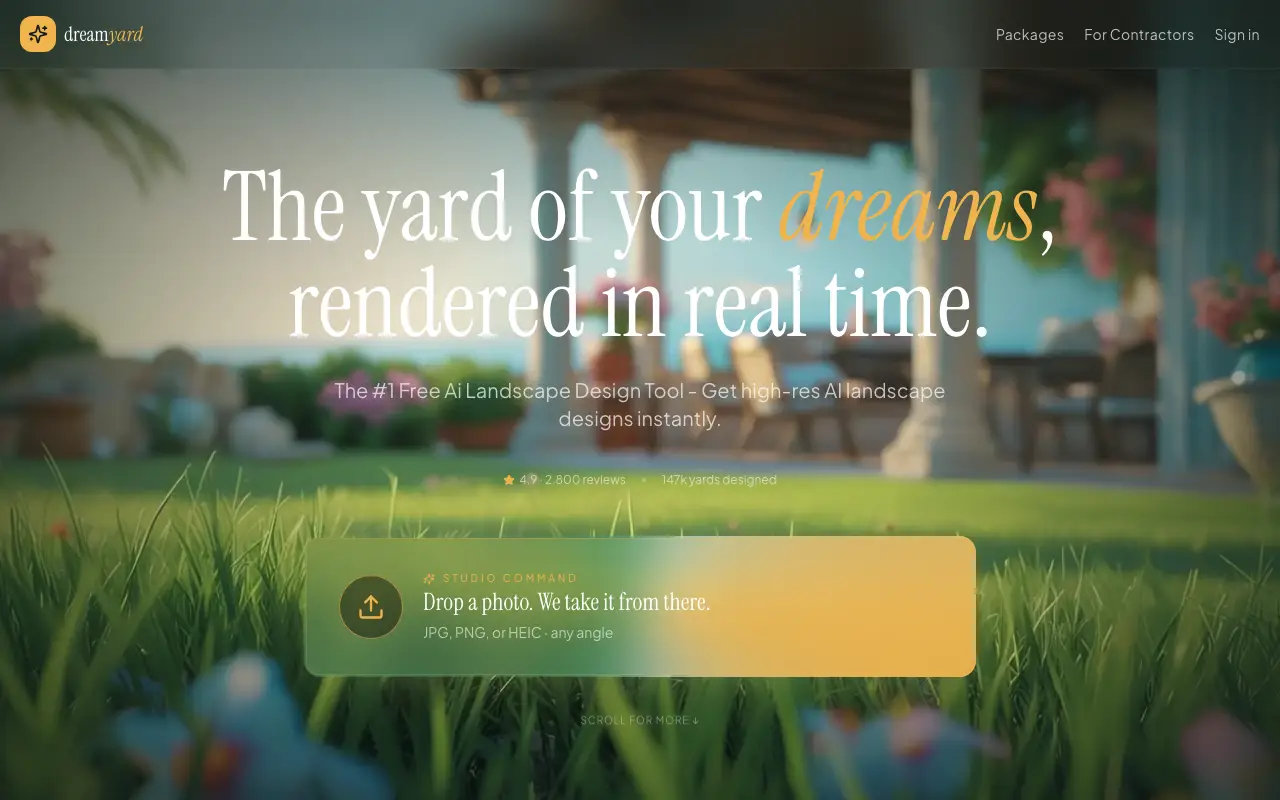
DreamYard at dreamyard.ai is a web tool that redesigns a yard photo (JPG, PNG or HEIC) in about ten named styles, such as Modern, Xeriscape, Prairie and Farmhouse, plus "Surprise Me". It gives 15 free renders, offers share-and-vote, and links calculators for landscape cost, fences, mulch, pavers and pools. Its pricing and FAQ pages returned 404 and no company is named on the site.
Price: Paid "packages" with no published prices
Pros
- 15 free renders, no card required
- Several designs per upload and a share-and-vote feature
- Practical cost and material calculators
Cons
- Paid prices are not published
- No company named on the site
- Web only; no app found
- Editing and commercial terms are not documented
Sources: Homepage
7. Paintit.ai
AI interior + exterior · Web · Limited free tier: 30 credits, 1K resolution, watermark, no commercial use

Paintit.ai is an interior-first design tool that also offers AI landscape design and a garden planner, with text prompts and targeted edits. Its free plan gives 30 credits; watermark-free 4K output and commercial use start at the Pro plan.
Price: Starter $14.99/month (500 credits), Pro $29.99/month (1,500 credits, 4K, commercial), both shown as discounted
Pros
- 30 free credits
- Text prompts plus targeted edits
- Many credits per dollar
Cons
- Interior-first product
- Watermark and no commercial use below Pro
- Prices shown as a standing 50% "discount"
8. REimagineHome
AI home + exterior editor · Web · Limited free tier: "All new users get 5 free designs", no card
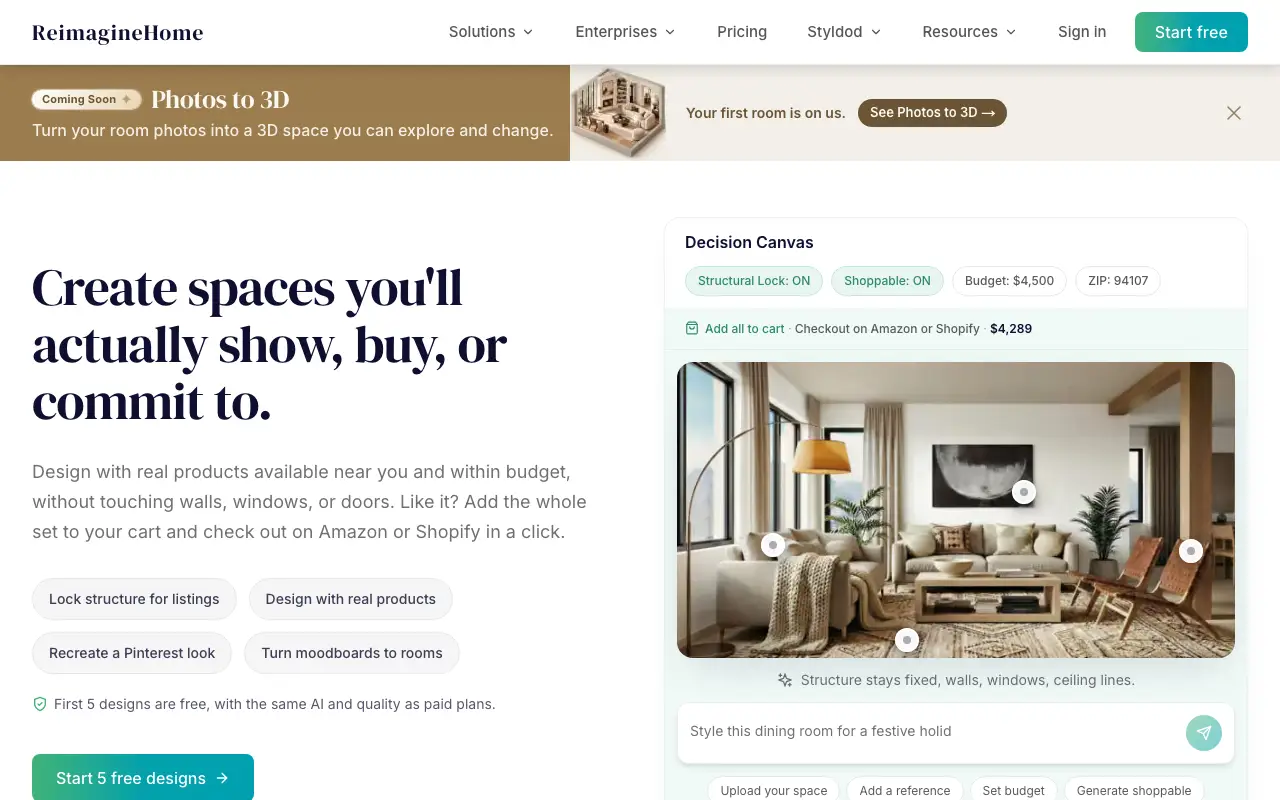
REimagineHome is a general home tool with exterior features: landscaping and lawn replacement, adding a pool, sky replacement, day-to-dusk and object removal. Pro plans add incremental editing and reference photos. It is aimed at real-estate photos rather than garden design.
Price: $14–$99/month range in its page title; per-plan prices were not readable on the public page
Pros
- Many targeted exterior tools (lawn, pool, sky, dusk)
- Object removal and incremental edits
- 5 free designs without a card
Cons
- Generalist home tool, not landscape-first
- Per-plan prices not readable on the public page
- No plant lists
Sources: Pricing
9. HomeDesignsAI
AI home + garden editor · Web · Limited free tier: limited credits that refresh (exact terms not published)
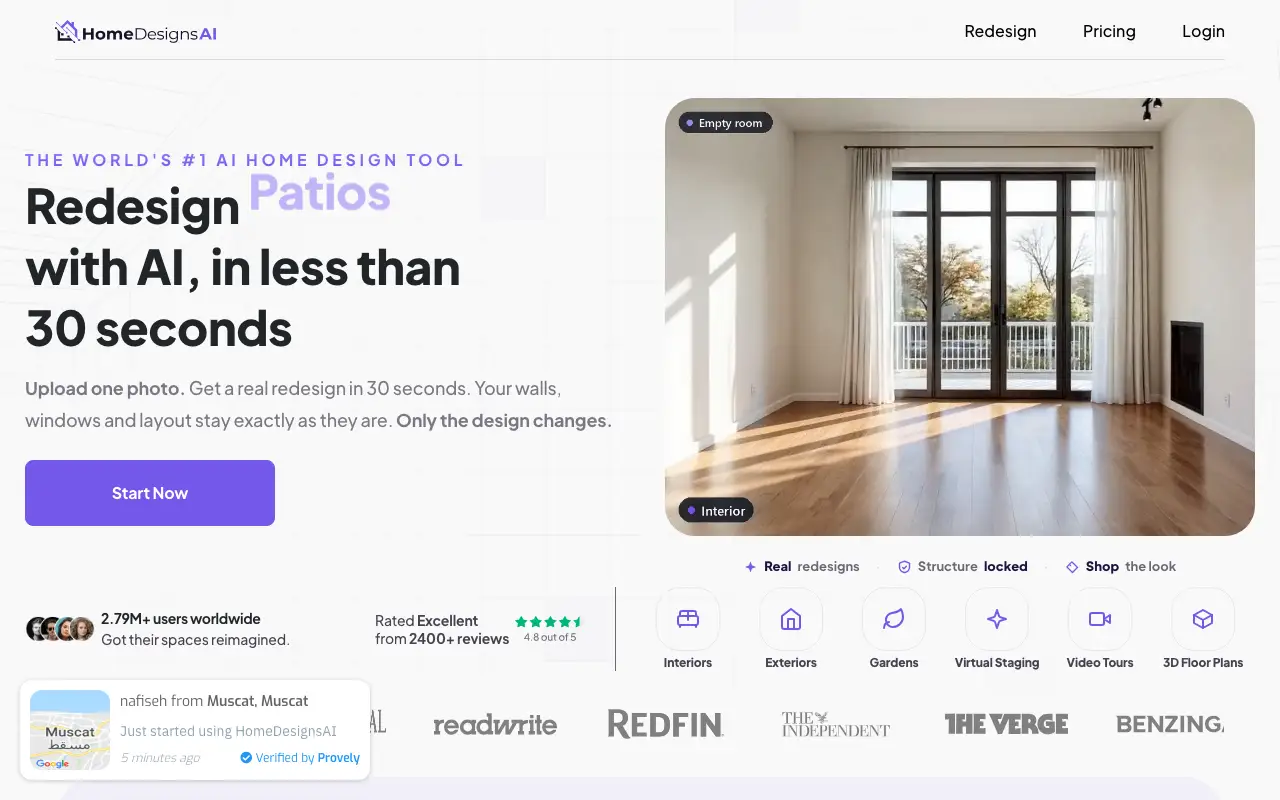
HomeDesignsAI covers interiors, exteriors and gardens with 200+ styles and spaces combined, plus fine controls: structure lock, an "AI intervention" slider, material swap and sky and weather swap. Gardens are one feature among many.
Price: Not shown on the public pricing page when we checked
Pros
- Very large style library
- Fine control (structure lock, intervention slider)
- Many adjacent tools, including video walkthroughs
Cons
- Garden design is not the focus
- Prices not visible on the public page
- No plant lists
10. ArchiVinci
AI architecture renderer · Web · Free trial: 3 free renders, no watermark
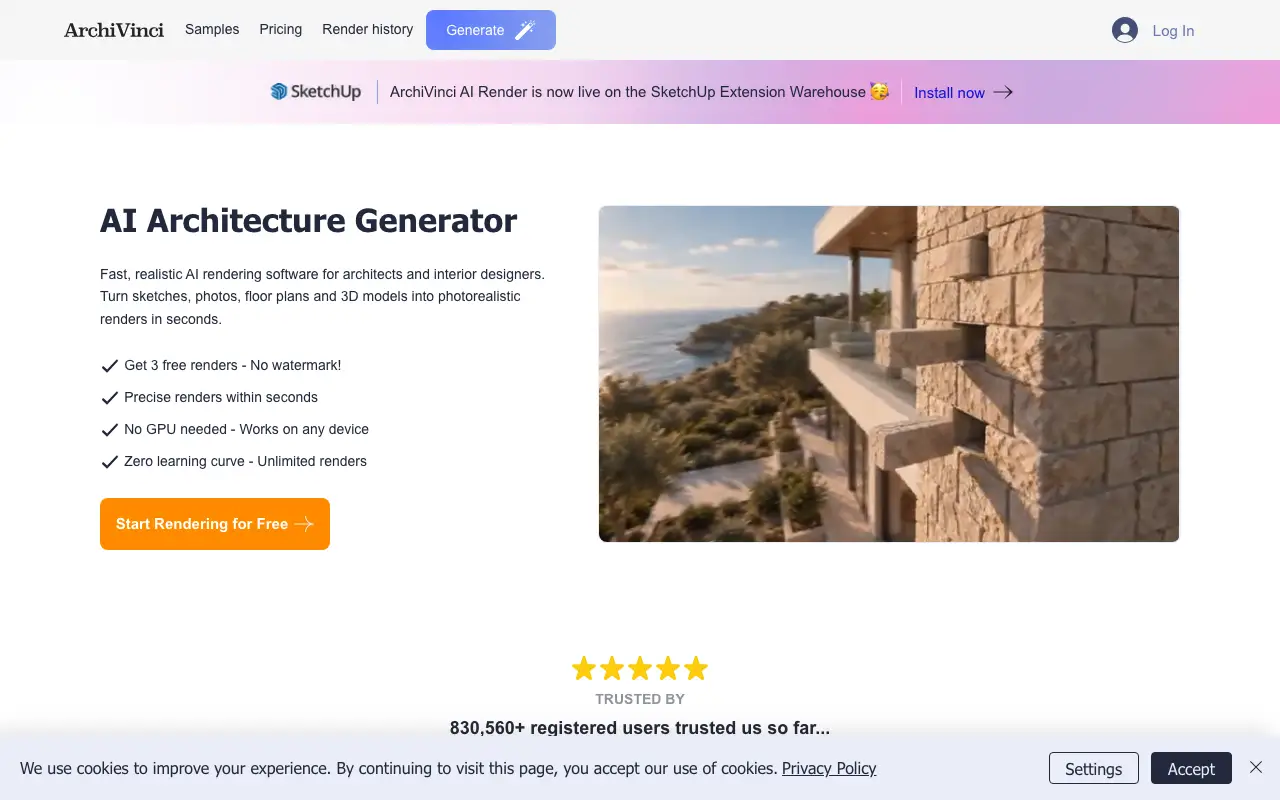
ArchiVinci is an AI rendering suite for architects with 15+ modules, including a landscape module, site-plan and masterplan rendering, inpainting and render-to-video. It is priced for professionals.
Price: $79/month or $549/year, unlimited renders
Pros
- Inpainting and an AI image editor
- Site-plan and masterplan rendering
- Unlimited renders on subscription
Cons
- Expensive for a homeowner ($79/month)
- Only 3 free renders
- Landscape is one module in a pro-oriented interface
Where AI Landscape Design falls short
We make one of these tools, so here is what it does not do:
- No editing of one part of the image (masking, erase, add an element); several AI tools have it
- No plant list on the web tool (the phone app lists the plants in each design for your climate)
- No measured plans, CAD export, 3D or AR
- A small free allowance (5 credits) and an account before the first design
- 18 styles on the web (the phone app lists 40+); OutdoorBrite lists 50+
Which one should you choose?
| If you need | Pick |
|---|---|
| A realistic redesign of your own yard, no subscription | AI Landscape Design |
| A free start and climate-based plant lists | Neighborbrite |
| The most styles and 4K output for client work | OutdoorBrite |
| AR walkthrough with real plants | DreamzAR |
| Lowest subscription price, with a planting guide | Gardenly |
| Many free renders to try ideas | Paintit.ai (30 credits) or DreamYard (15) |
| Real-estate exterior touch-ups | REimagineHome |
| Architectural site-plan rendering | ArchiVinci |
Questions
What is the best free AI landscape generator?
AI Landscape Design is the best place to start: 5 free credits that never expire, and the phone app is free to download. Other free allowances: Paintit.ai gives 30 credits, DreamYard 15 renders, REimagineHome 5, and Neighborbrite a free plan with an unpublished limit. OutdoorBrite, Gardenly and DreamzAR have no free tier.
Which AI landscape tool gives plant lists?
Neighborbrite, OutdoorBrite (Plus and up) and Gardenly add plant lists or planting guides to designs. The AI Landscape Design phone app lists the plants in each design for your climate; the web tool does not.
Can AI landscape tools edit one part of the photo?
Several can: Neighborbrite (Magic Edit), REimagineHome, HomeDesignsAI, ArchiVinci and Paintit.ai describe targeted edits. AI Landscape Design redesigns the whole image.
Are AI landscape designs accurate?
They are concept images. They keep the house and view but are not measured plans; check plants and sizes with a landscaper before building.